 WhatsApp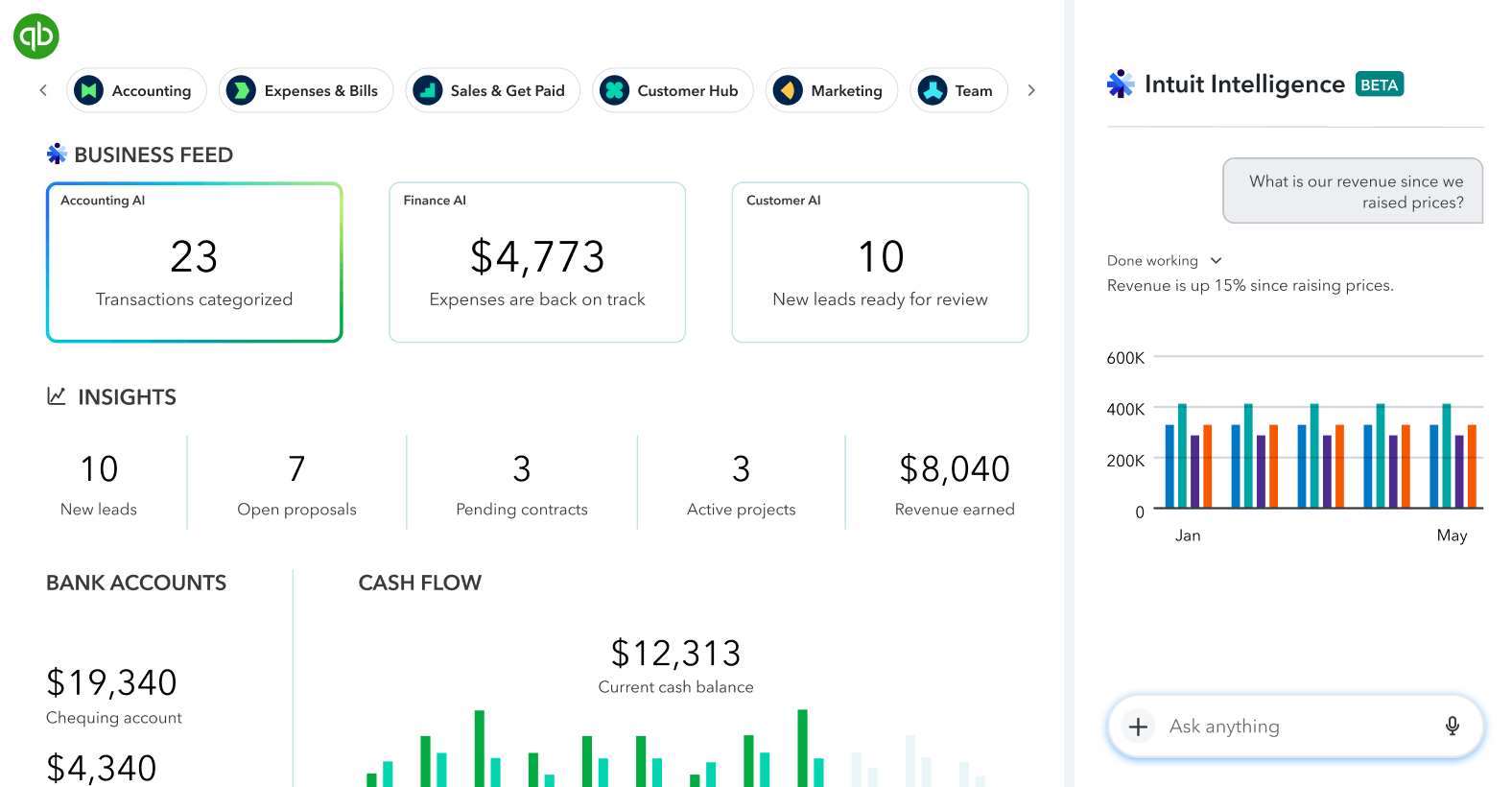
Common accounting integration workflows
Ecommerce to accounting
Create customers, sales receipts, invoices, payments, tax values, fees, refunds, and payout reconciliation records.
CRM and billing
Convert approved quotes or closed opportunities into customer records and invoices, then return payment status to the CRM.
Inventory and purchasing
Connect products, suppliers, purchase orders, bills, landed costs, inventory movements, and cost-of-goods information.
Management reporting
Pull accounting data into Excel, Power BI, databases, or internal dashboards for recurring analysis and exception checks.
What accounting software integration should do
A useful accounting integration does more than copy data between applications. It defines which system owns each record, when a transaction is allowed to post, how duplicates are prevented, and how the destination result is reconciled back to the source.
- Connect accounting software to CRM, ecommerce, payment, inventory, payroll, spreadsheets, databases, or custom applications
- Create or update customers, suppliers, invoices, bills, payments, credits, journals, products, and status fields according to approved rules
- Use REST APIs, OAuth authentication, webhooks, scheduled synchronization, or controlled file exchange where an API is unavailable
- Preserve source identifiers so every accounting record can be traced back to the transaction that created it
- Validate totals, tax, currencies, dates, mappings, and duplicate conditions before or after posting as required
- Produce readable error logs, retry rules, exception queues, and reconciliation evidence for ongoing operation

Finance-aware integration design
Accounting records cannot be treated like ordinary database rows. Posting dates, tax, currencies, customer balances, credits, duplicate documents, closed periods, and account mappings must be handled as business controls—not afterthoughts.
Controls included in a reliable design
- Field and account mapping approved before live posting
- Duplicate prevention using source IDs and idempotency rules
- Balanced totals and validation before records are accepted
- Explicit handling for tax, fees, discounts, refunds, credits, and currencies
- Readable failures with safe retries and manual-review queues
- Reconciliation by count, document value, payment value, and status
- Audit logs connecting each source transaction to its accounting record
What you receive
Workflow specification
Objects, fields, mappings, posting rules, exceptions, and ownership.
Secure integration
Authentication, API calls, transformations, schedules or webhooks, and logging.
Verification evidence
Test records, balanced totals, duplicate checks, and exception reporting.
Handover package
Configuration, monitoring, recovery, deployment, and repeat-use instructions.
Accounting integration questions
What is accounting software integration?
It is the controlled exchange of accounting data with other business systems so records can be created, updated, validated, and reconciled without repeated manual entry.
Can accounting software connect to a CRM or ecommerce platform?
Yes, when the systems expose suitable APIs or supported exports. Typical flows include customers, invoices, orders, payments, refunds, tax values, and status updates.
How are duplicate invoices or payments prevented?
A reliable integration stores source identifiers, applies idempotency rules, checks existing destination records, and logs the result of every attempted transaction.
Can QuickBooks Online be integrated with custom software?
QuickBooks Online can be connected to custom applications and reporting workflows through supported APIs, with authentication, mapping, validation, error handling, and reconciliation designed around the required transactions.
Planning a QuickBooks Online connection? Include the source system, the QuickBooks objects involved, transaction volume, required frequency, and whether the integration is one-way or two-way.