 WhatsApp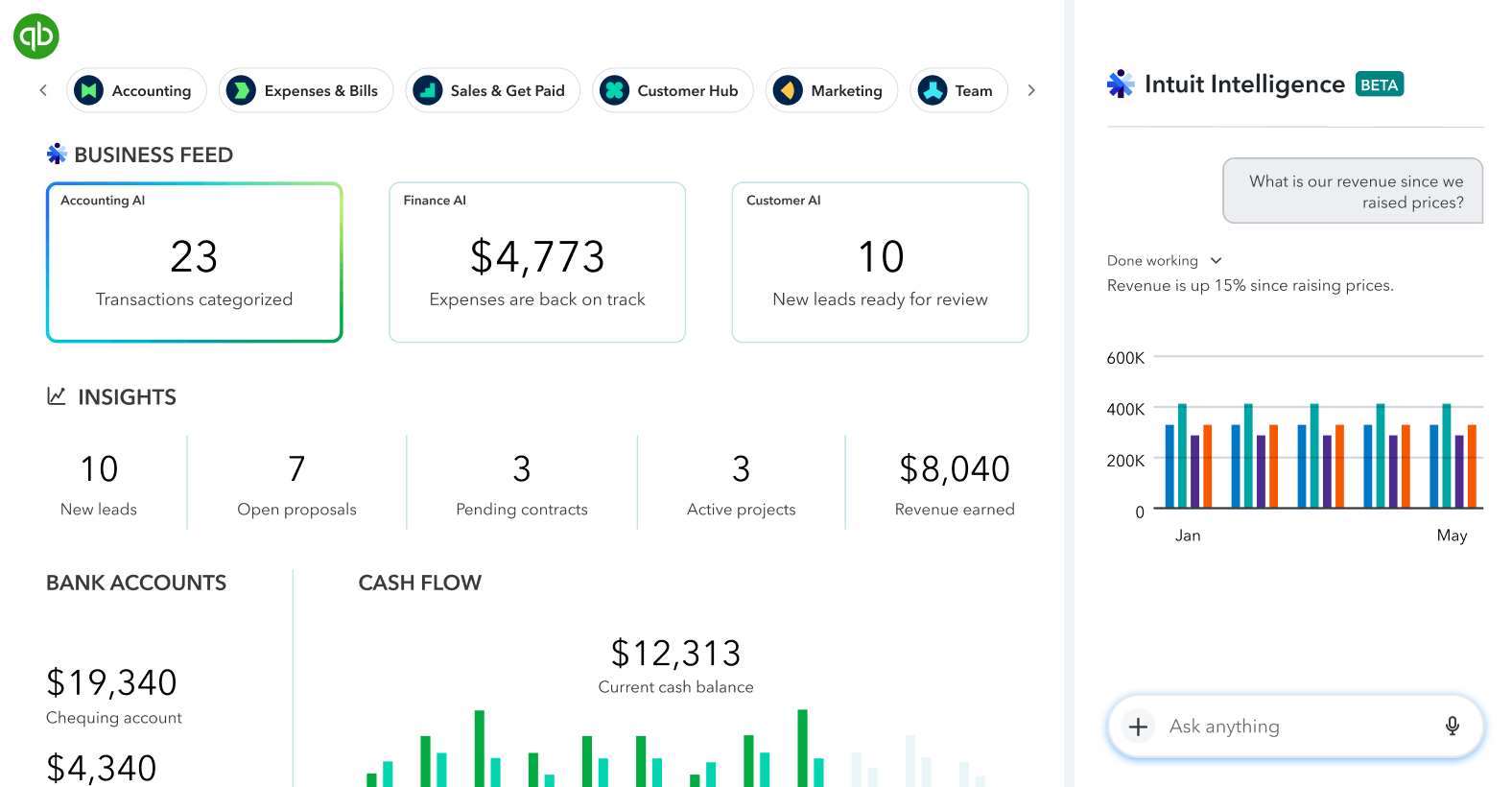

QuickBooks Online services
- Accounts receivable aging with customer and invoice details
- Profit and loss, balance sheet, cash flow, sales, expense, and profitability reports
- Customized management reporting packs
- QBO-to-Excel reporting bridges and refreshable dashboards
- Chart of accounts and report-structure review
- Export cleanup, validation, reconciliation, and exception checks
- Repeatable monthly or weekly reporting procedures
Business data presented in one operational view
QuickBooks contains the accounting records; the reporting service turns those records into management views that clearly show cash flow, revenue, expenses, receivables, payables, trends, and exceptions.
Real-world use cases
Detailed AR aging report
Every open invoice listed with customer name, invoice number, balance, current, 1–30, 31–60, 61–90, and 90+ day buckets.
Management reporting pack
P&L, balance sheet, cash flow, receivables, payables, sales, expenses, and variance views prepared for decision-making.
QBO-to-Excel dashboard
Export, clean, validate, and organize QuickBooks data into an editable Excel dashboard with formulas and pivots.
Reporting process review
Review data structure, report settings, account mapping, and repeatable steps to reduce manual errors.
Detailed reporting example
See how invoice-level QuickBooks receivables can become a validated, refreshable collection dashboard in Excel.
View the AR aging dashboard case study →Connect QuickBooks to the systems around it
When customer, sales, payment, inventory, or billing data begins outside QuickBooks, an API integration can move approved records into the accounting workflow and return status or reporting data without repeated manual entry.
What you receive
- PDF and/or Excel reports ready for delivery
- Visible formulas, source references, and documented assumptions
- Reconciliation checks and exception notes
- Step-by-step instructions for repeat use
- Confidential handling of accounting data